Let’s be honest—MS Word is powerful, but it’s also sneaky. One moment you’re typing away, and the next your manuscript is littered with mysterious formatting marks, rogue section breaks, and quotation marks that can’t seem to make up their minds. If you’ve ever opened your document and muttered, “Why is it doing that?”—this book is for you.
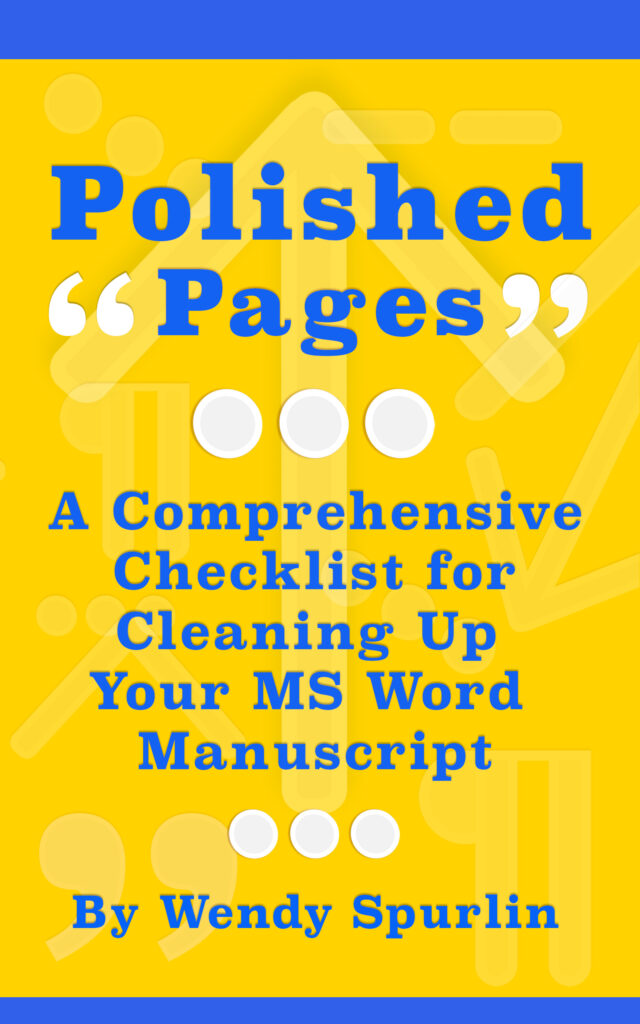
Polished Pages: A Comprehensive Checklist for Cleaning Up Your MS Word Manuscript is your go-to guide for transforming messy drafts into clean, professional files. Whether you’re submitting to an agent, prepping for self-publishing, or handing your manuscript off to a formatter, you’ll want it free from the common (and not-so-common) issues that Word quietly introduces behind the scenes.
This book walks you through step-by-step checklists to:
- Remove hidden formatting, tabs, extra spaces, and page breaks
- Standardize punctuation like quotation marks, em dashes, and ellipses
- Apply and customize MS Word styles the right way (without needing a tech degree)
- Clean up text from other programs and fix the quirks that come from copying and pasting
- Prepare your manuscript for print and digital formats with confidence
It’s written with beginners in mind—especially writers who don’t live and breathe MS Word but want their manuscript to look like they do. You’ll learn how to use Word’s built-in tools efficiently, make global changes in a snap, and finally understand what those pesky paragraph marks and caret codes mean.
So if you’re tired of wrestling with your word processor, Polished Pages will help you take control of your document and polish it to perfection—no formatting frustration required.
Grab your copy, fire up Word, and let’s clean that manuscript up!
Cover design and book content for Polished Pages was created by Wendy Spurlin at ArmLin House Productions. Explore our professional book cover design services for authors and publishers.